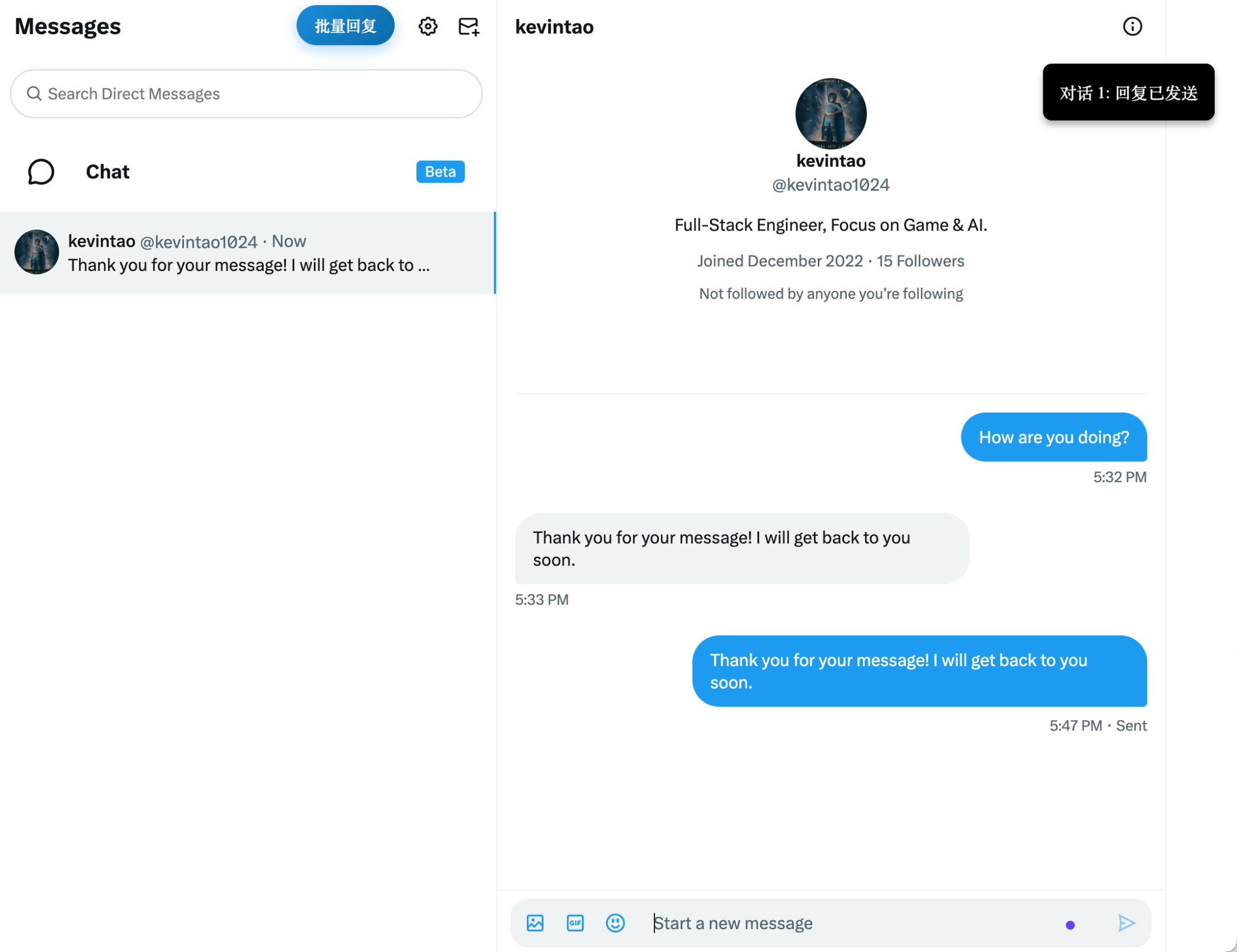
Auto-Reply to X Direct Messages
1. Install the web extension
Open the Mysta console and install the target web extension from Templates.
Confirm the installation when the dialog appears.
2. Manage installed extensions
Use the Mysta console to manage your installed extensions.
- Enable or disable the web extension.
- View or adjust configuration (available while the extension is disabled).
- Uninstall the extension.
- Update when a new version exists.
3. Verify the installation
Visit X, open Messages, and check that Bulk Reply is available.
Click Bulk Reply to generate responses based on your prompt and the current context.