Installing Plugins
The Mysta extension turns your browser into an intelligent assistant. Follow the steps below to install it safely.
From the Extension Marketplace
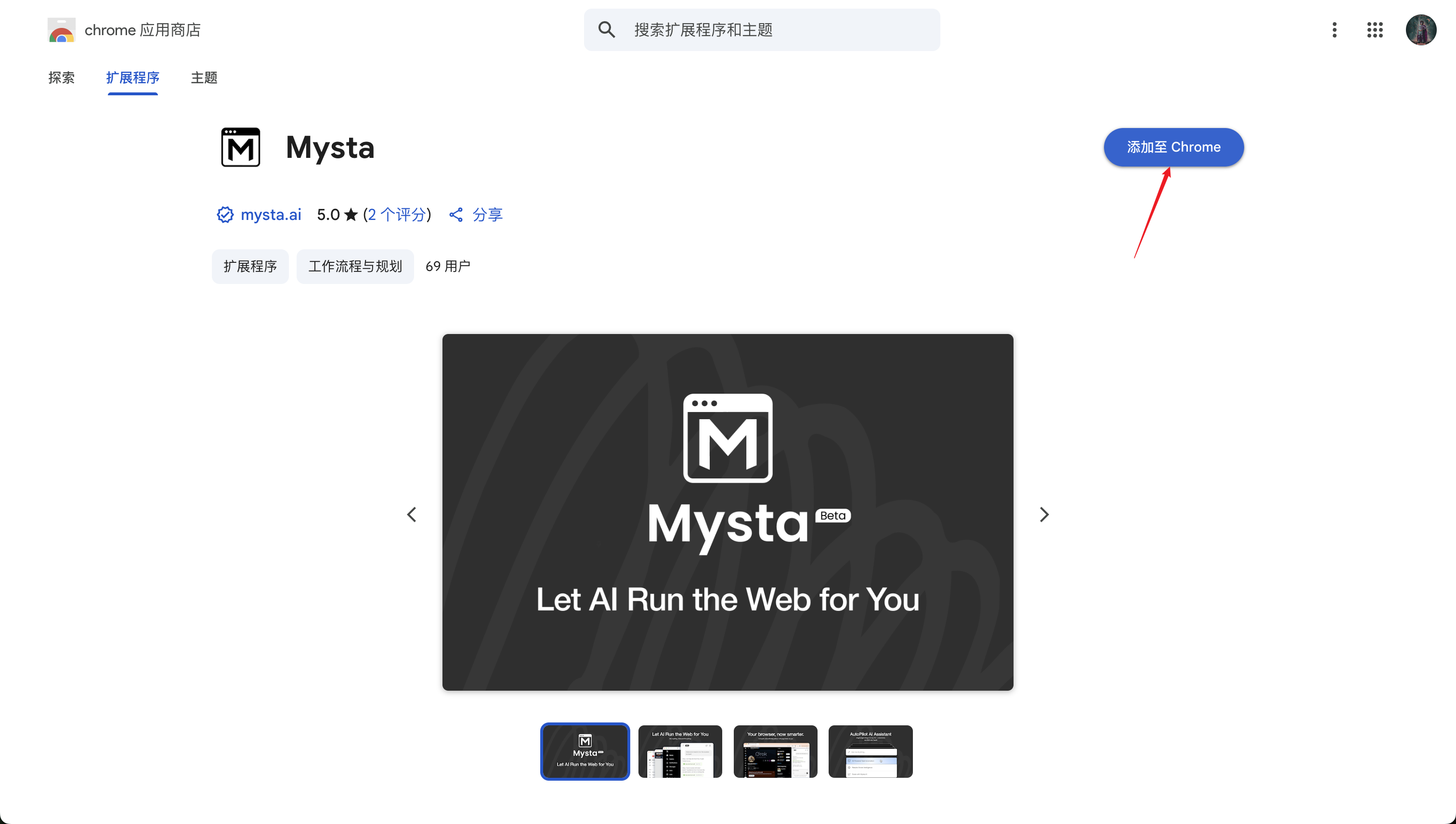
- Visit the Chrome Web Store and install the Mysta extension. Pin it to your toolbar.
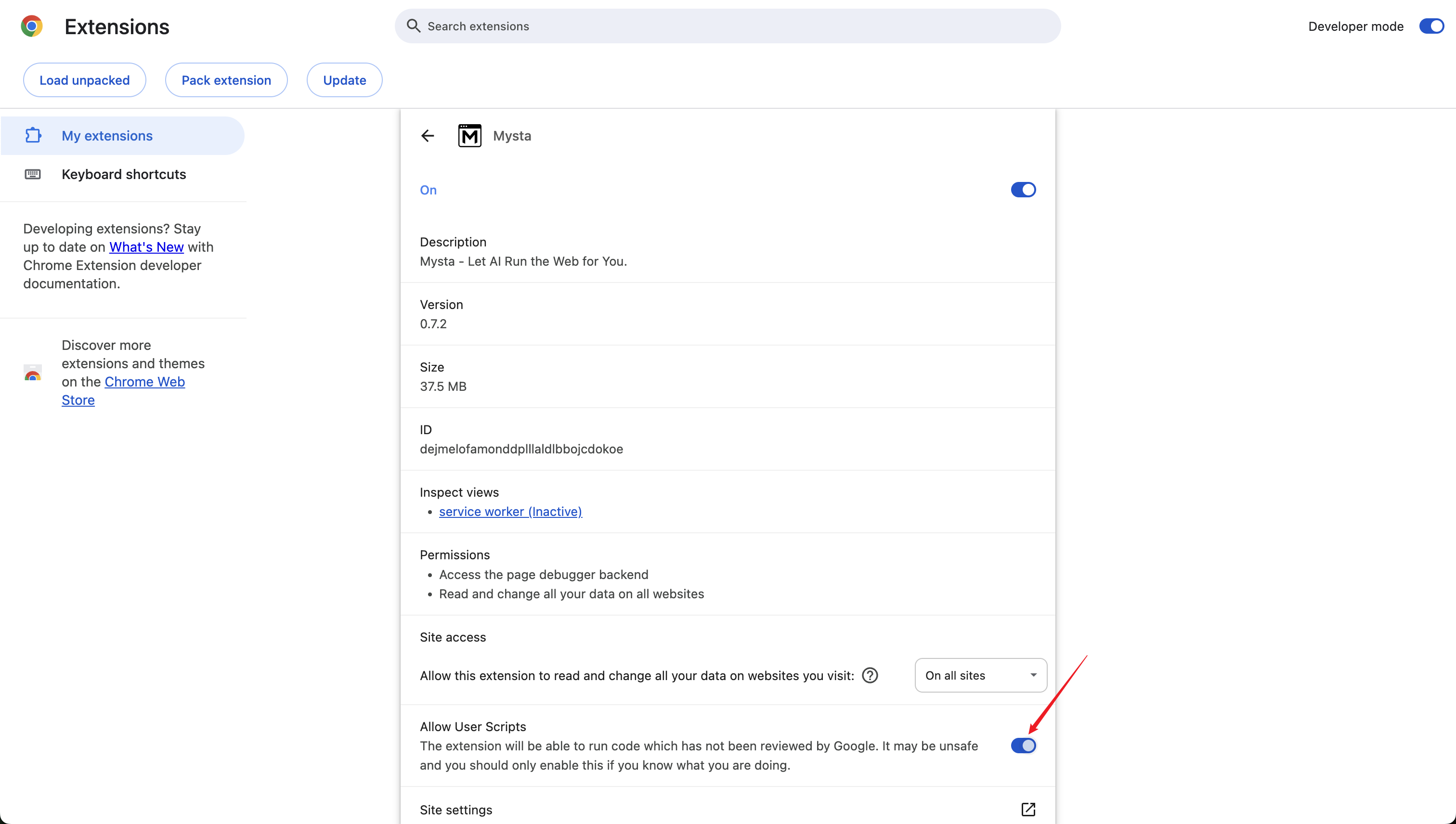
- Open the Mysta extension details page and enable Allow User Scripts so the extension can run user scripts.
From a Repository
- Clone the extension template repository.
- Run
pnpm installandpnpm buildto generate the distributable build. - Navigate to chrome://extensions/.
- Turn on Developer mode, then click Load unpacked and select the build folder.

- Open the Mysta extension details page and enable Allow User Scripts so the extension can run user scripts.